Mission 2: Connectors
Learning Objective
Learn what connectors are and how to set them up to integrate external data sources into LOGIBLOX.
Background
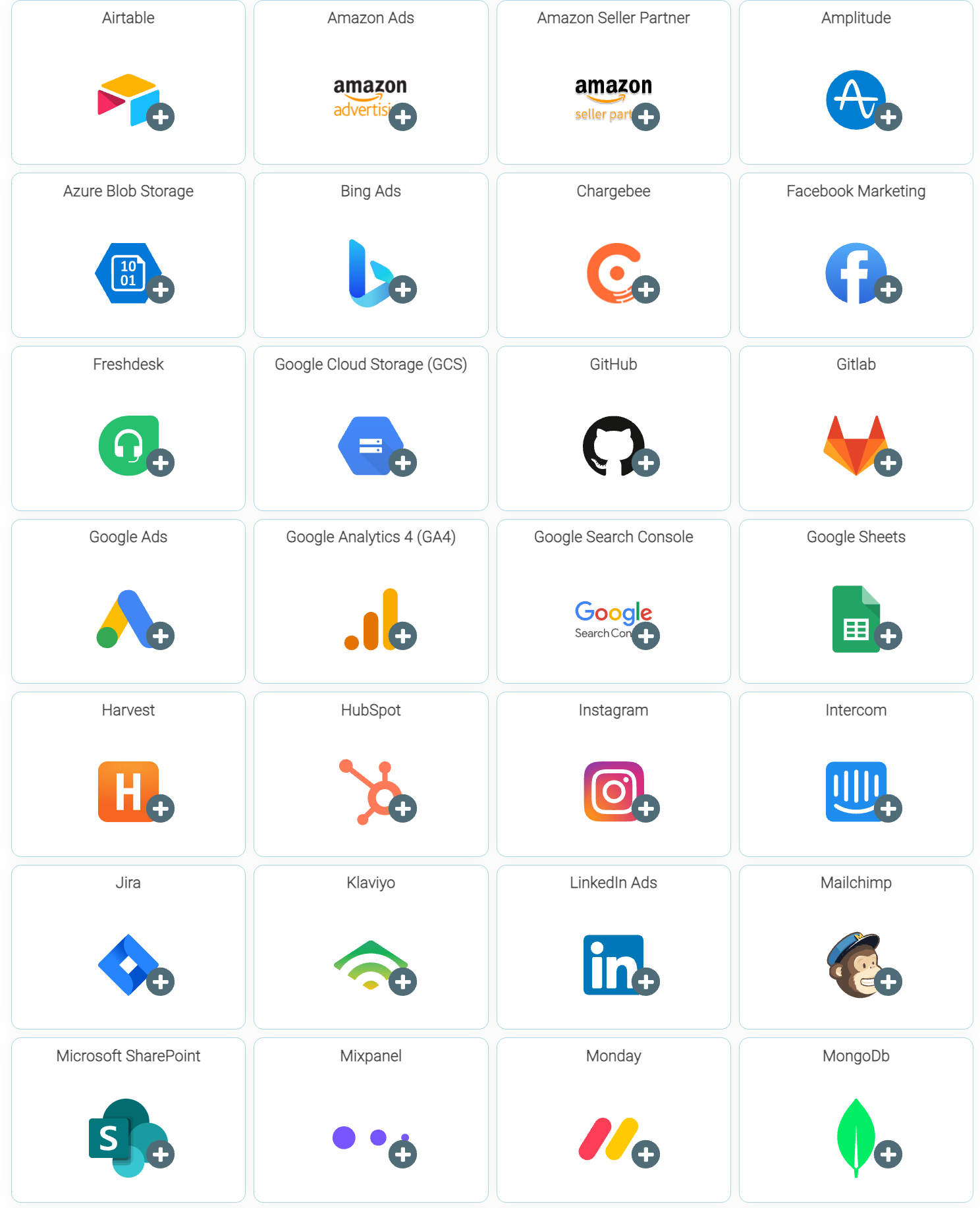
LOGIBLOX offers a wide range of connectors, which serve as bridges to integrate other applications seamlessly. These connectors enable different systems to work together efficiently, making them a powerful tool for enhancing interoperability and streamlining your workflows.
Step-by-Step Instructions
1. Access the Connector Menu
Navigate to a project and click the "Add Item" button.
2. Select Your Connector
Choose the connector you want to use (e.g., Google Sheets, databases, APIs, etc.).
3. Configure Connection Settings
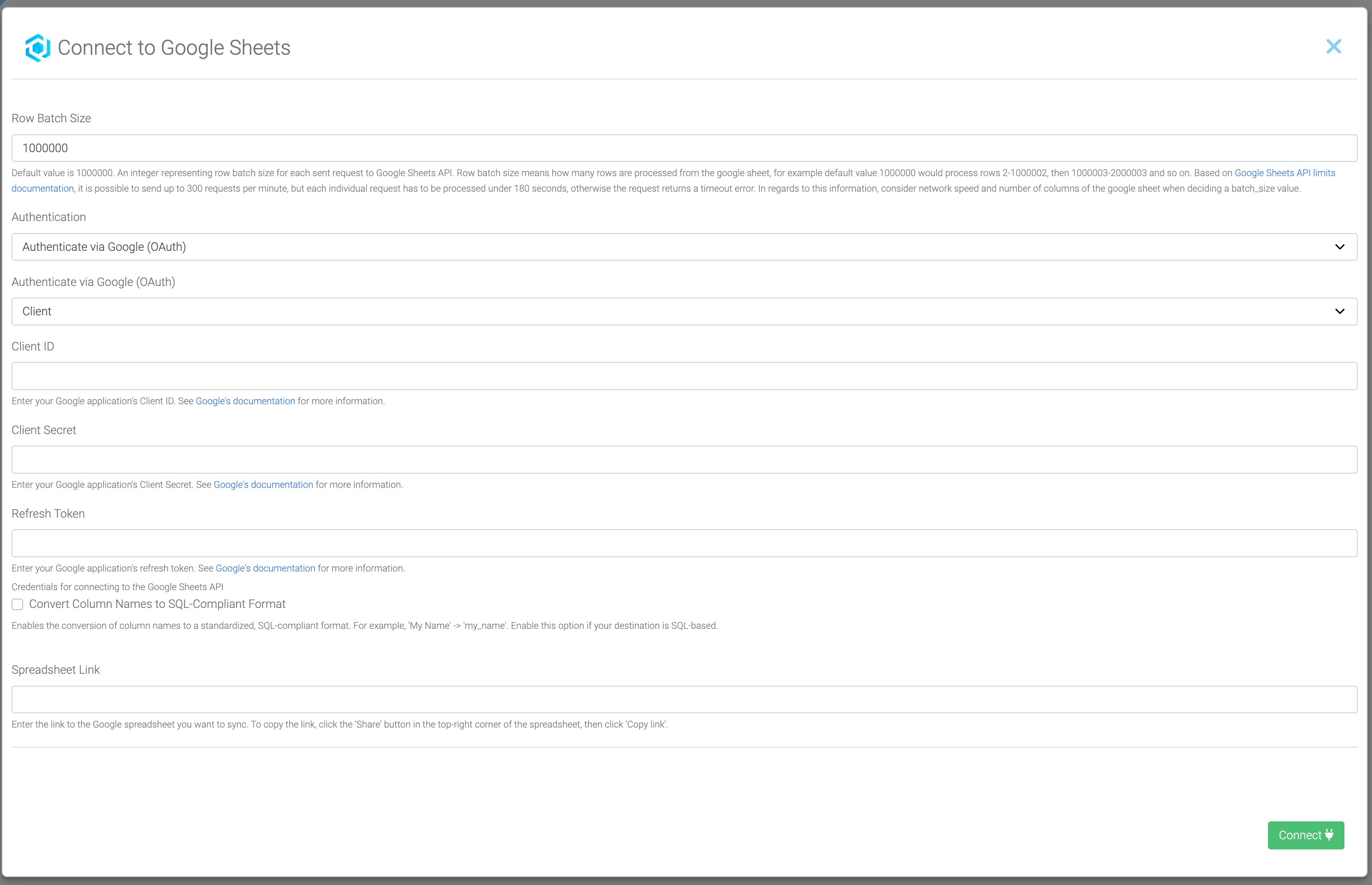
Fill out all required fields. Each connector has different requirements, so follow the instructions provided below each field.
Note
If you need help with a specific connector, don't hesitate to reach out to our support team!
4. Establish the Connection
Once all fields are filled out correctly, click "Connect".
5. Preview and Import
- Review the data preview to ensure the connection is working correctly
- Click "Import" to bring the data into your project
6. Use in Flows
Your imported connector is now available for use in any Flow within the same folder.
Visual Guide
Summary
You've successfully learned how to:
✓ Understand what connectors are and their purpose
✓ Access the connector menu in LOGIBLOX
✓ Configure and establish a connection to external data sources
✓ Import data from connected applications
✓ Use connectors in your workflows